01
Choose what you need
Choose the group that fits your situation, then pick the document you need.
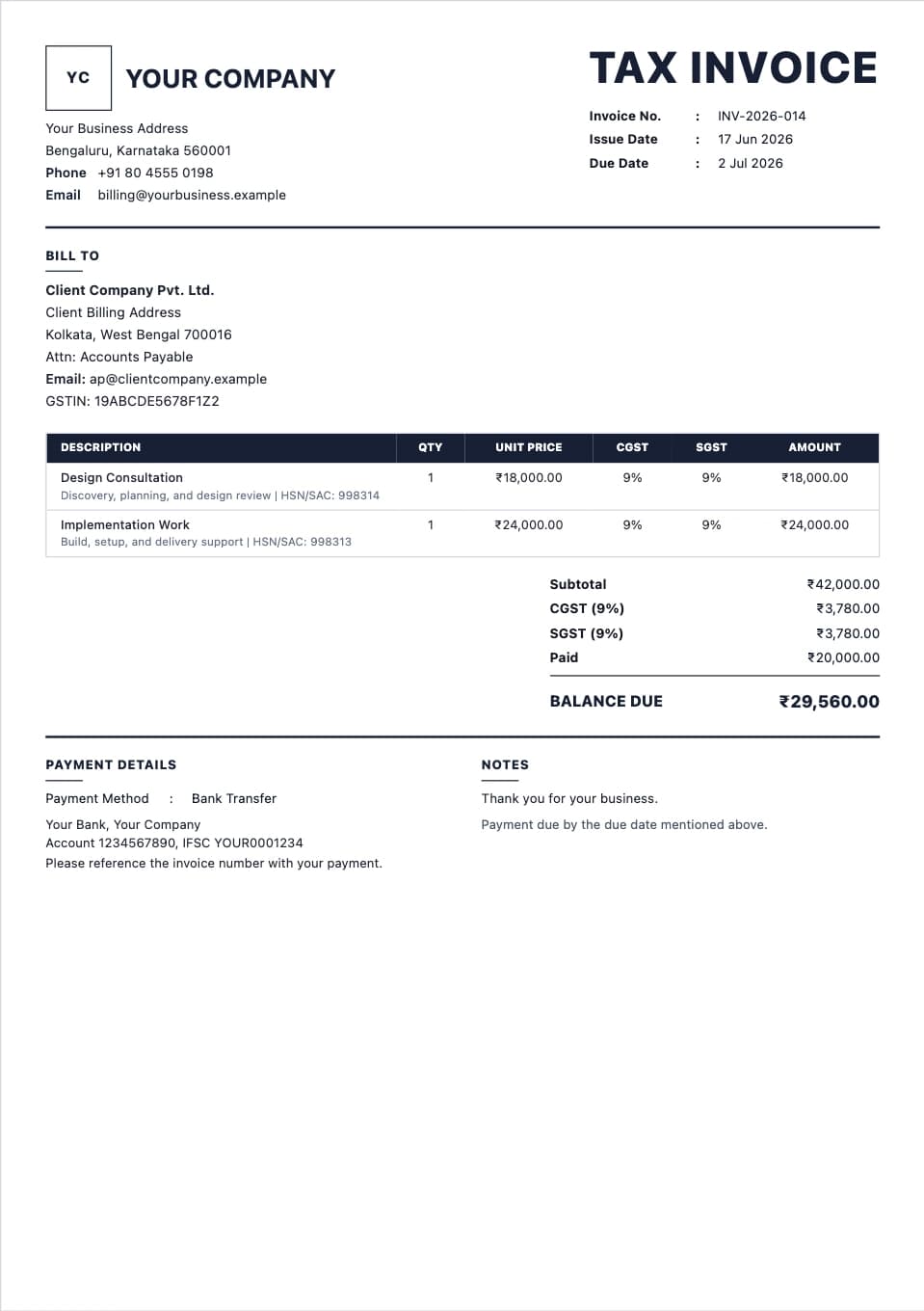
Make an invoice, quotation, payment receipt, salary or rent record, or organize details from a real expense. Check the preview and pay only when you download the final PDF.
Choose what you need to create and start with the right details.
For sellers and service businesses requesting payment or sharing a price before work begins.
For businesses confirming money they actually received from a customer.
For employers, household payers, landlords, and tenants recording salary or rent.
For providers or personal records based on a purchase, trip, stay, treatment, or service that actually happened.
No spreadsheet setup, no copied Word files, and no fixing broken rows. Choose a ready format, fill in the fields, and check the document before you download it.
Choose the group that fits your situation, then pick the document you need.
Fill in the names, dates, items, prices, tax, discounts, and notes.
See how it looks before you pay for the final PDF.
Download a neat PDF for customers, printing, or your records.
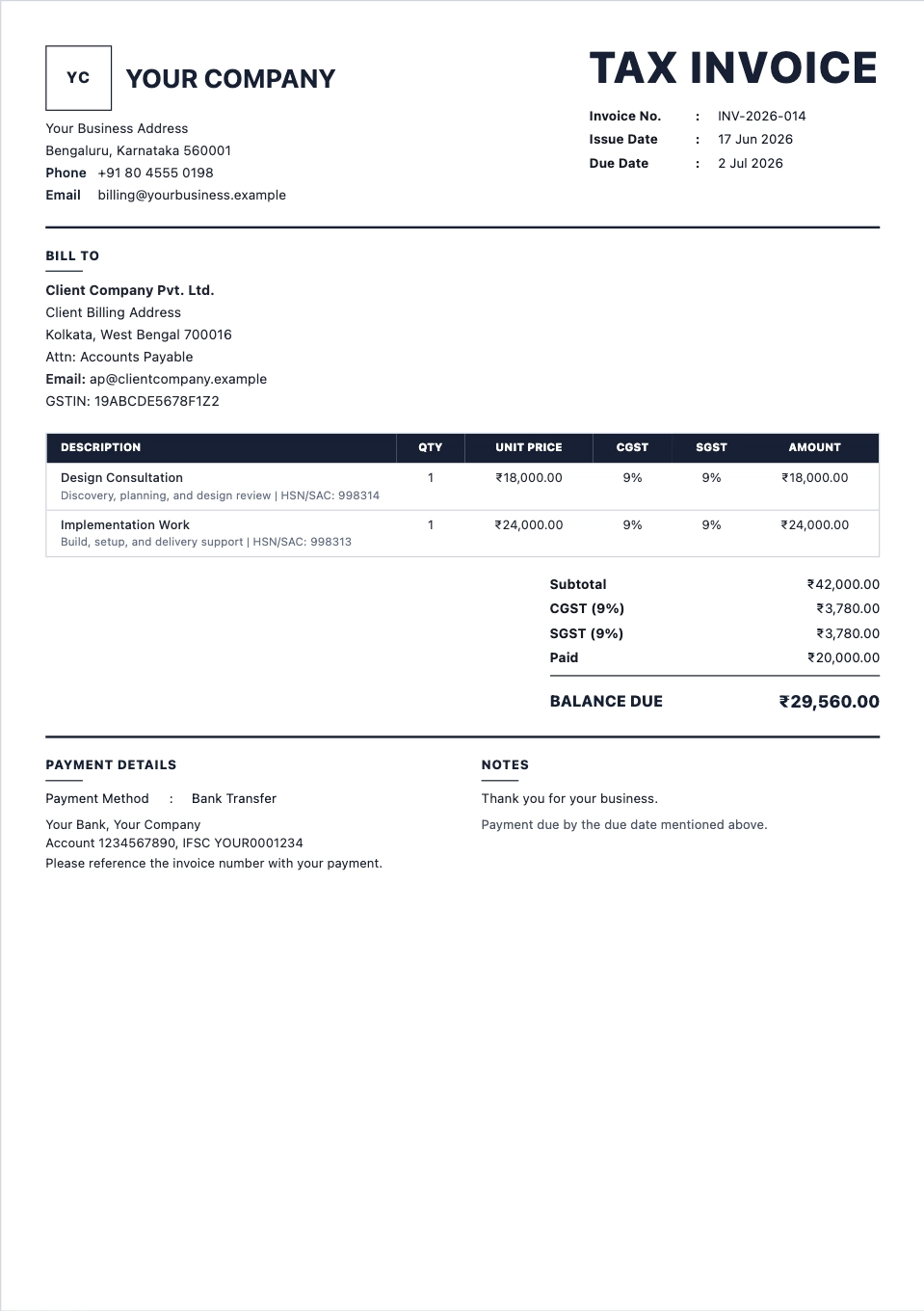
A clear invoice format for item rows, tax, totals, notes, and payment terms.
Preview format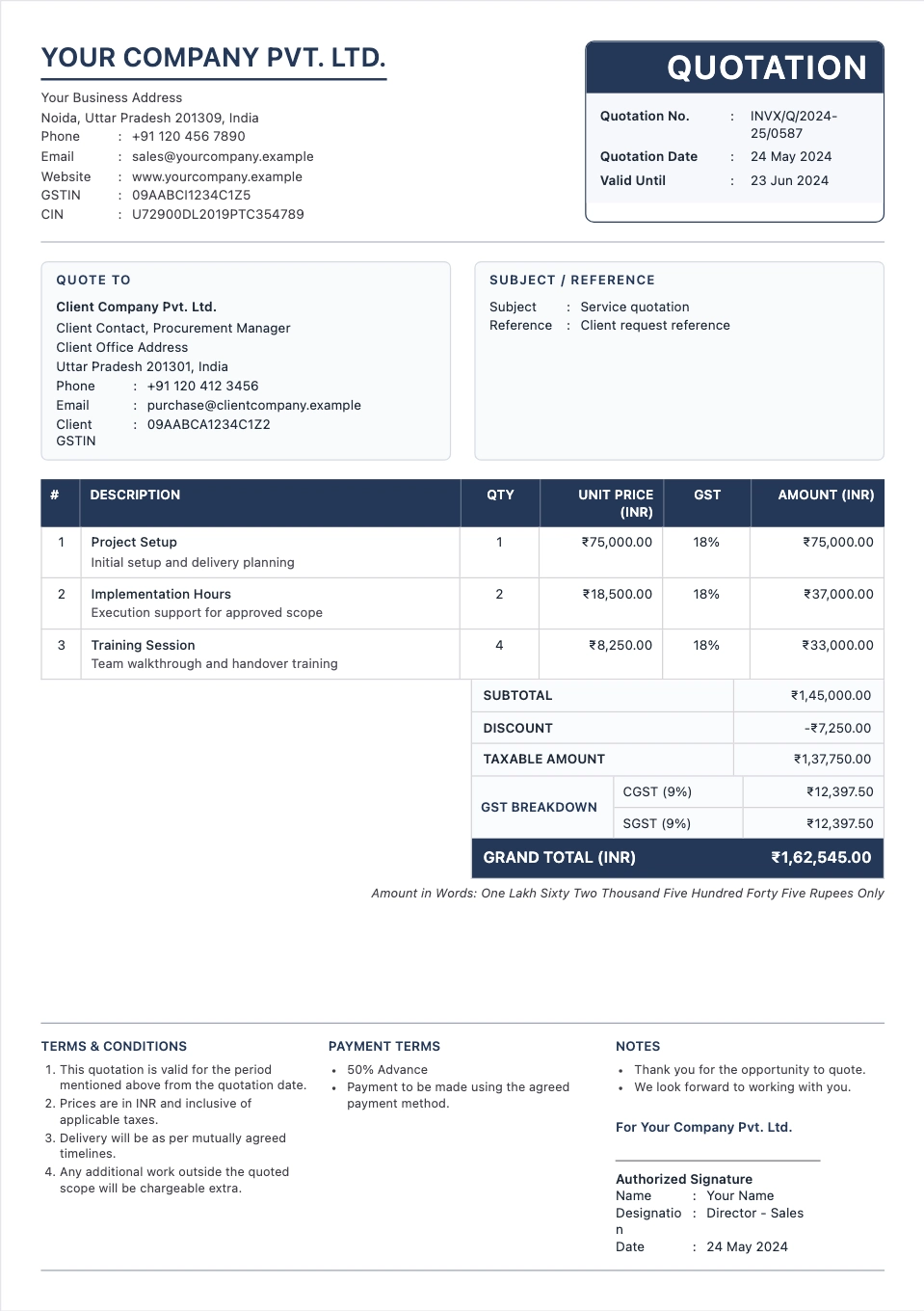
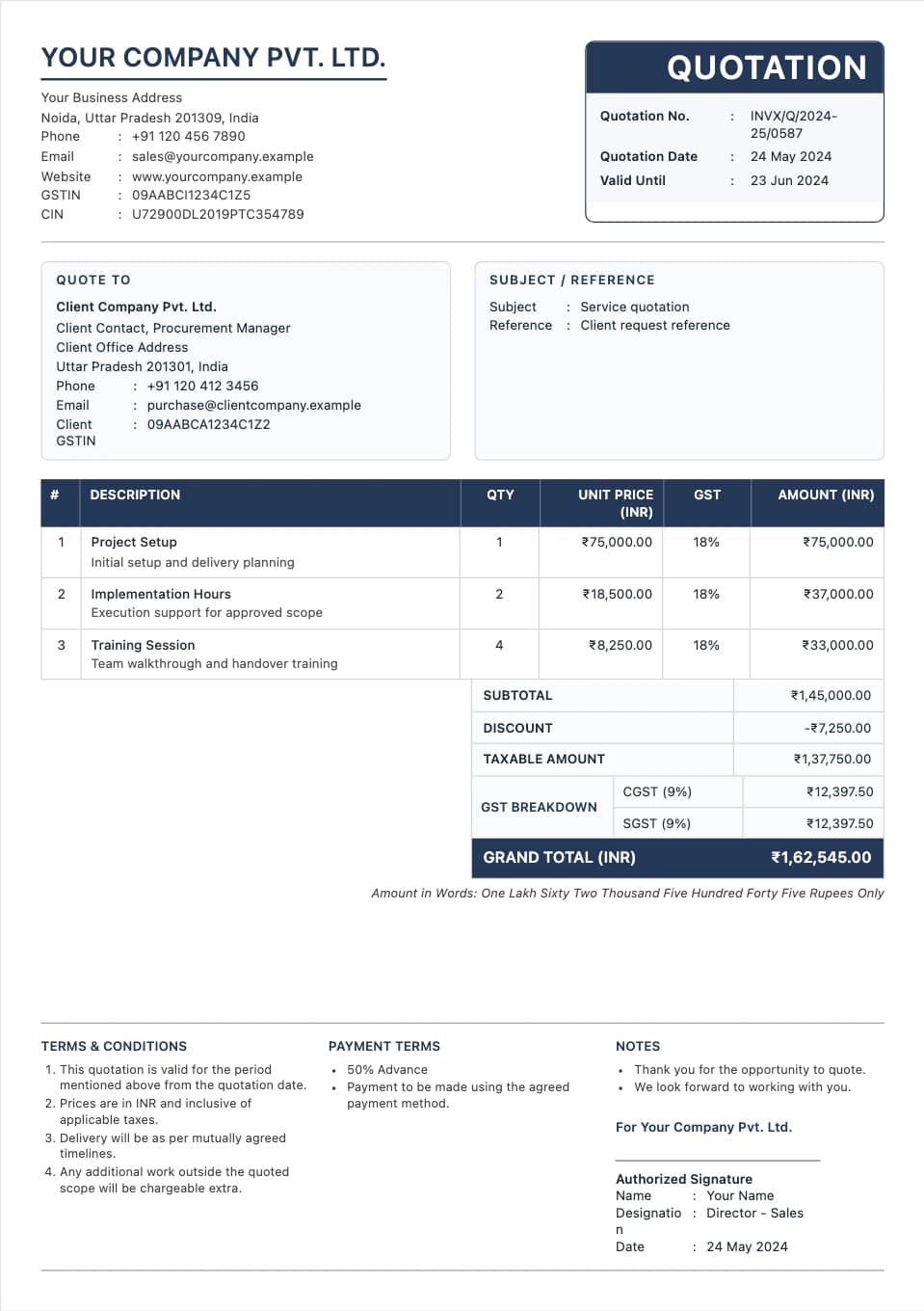
Send prices before the work starts, with scope, tax, validity, and terms.
Preview format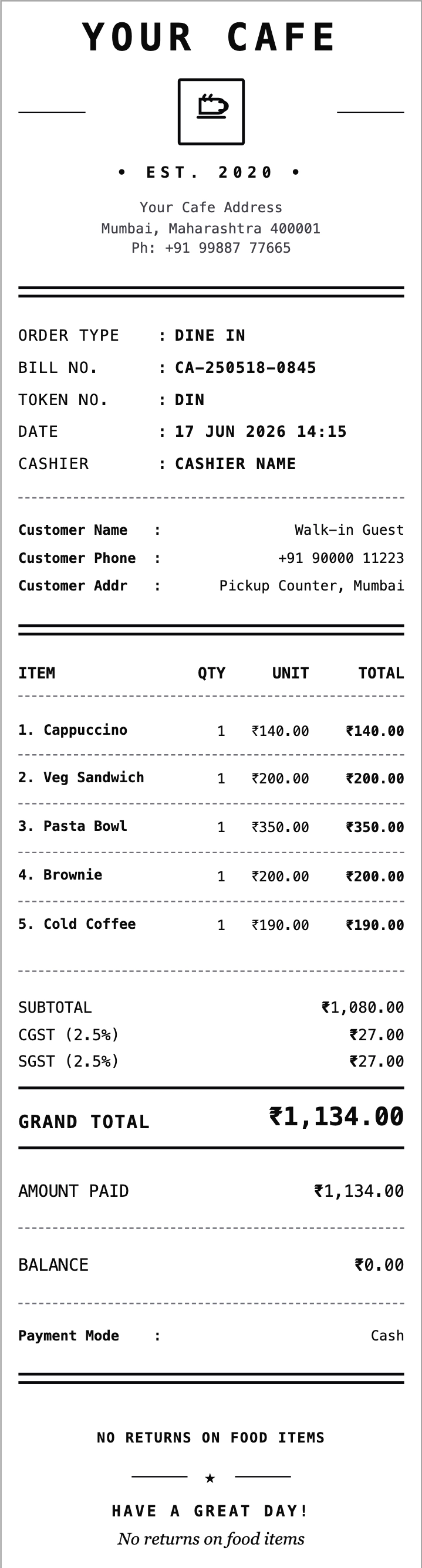
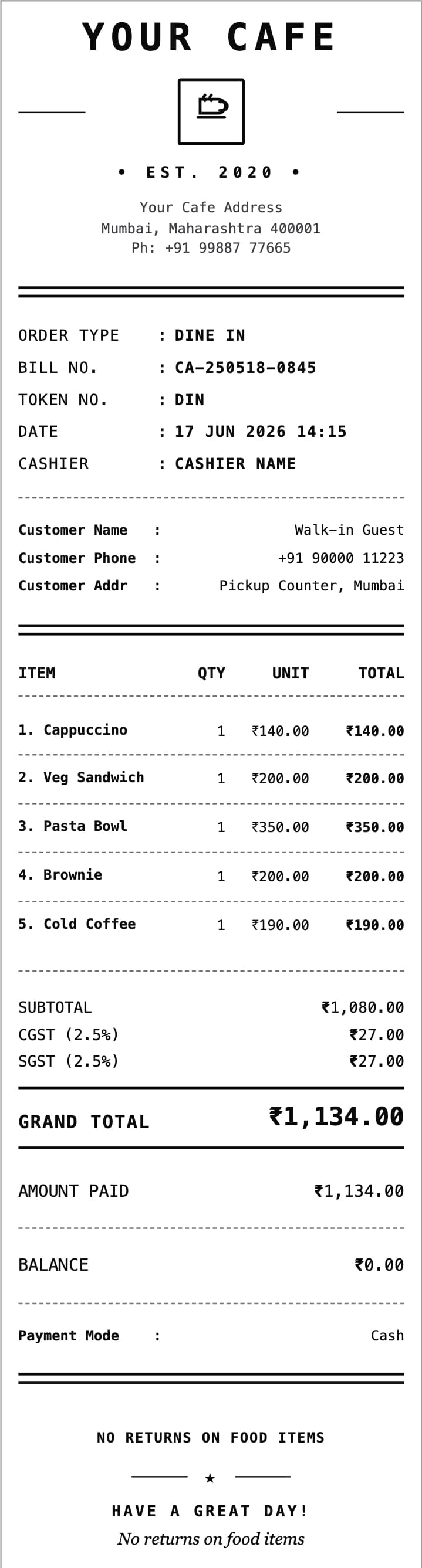
Itemized food bills for dine-in, takeaway, delivery, and counter orders.
Preview format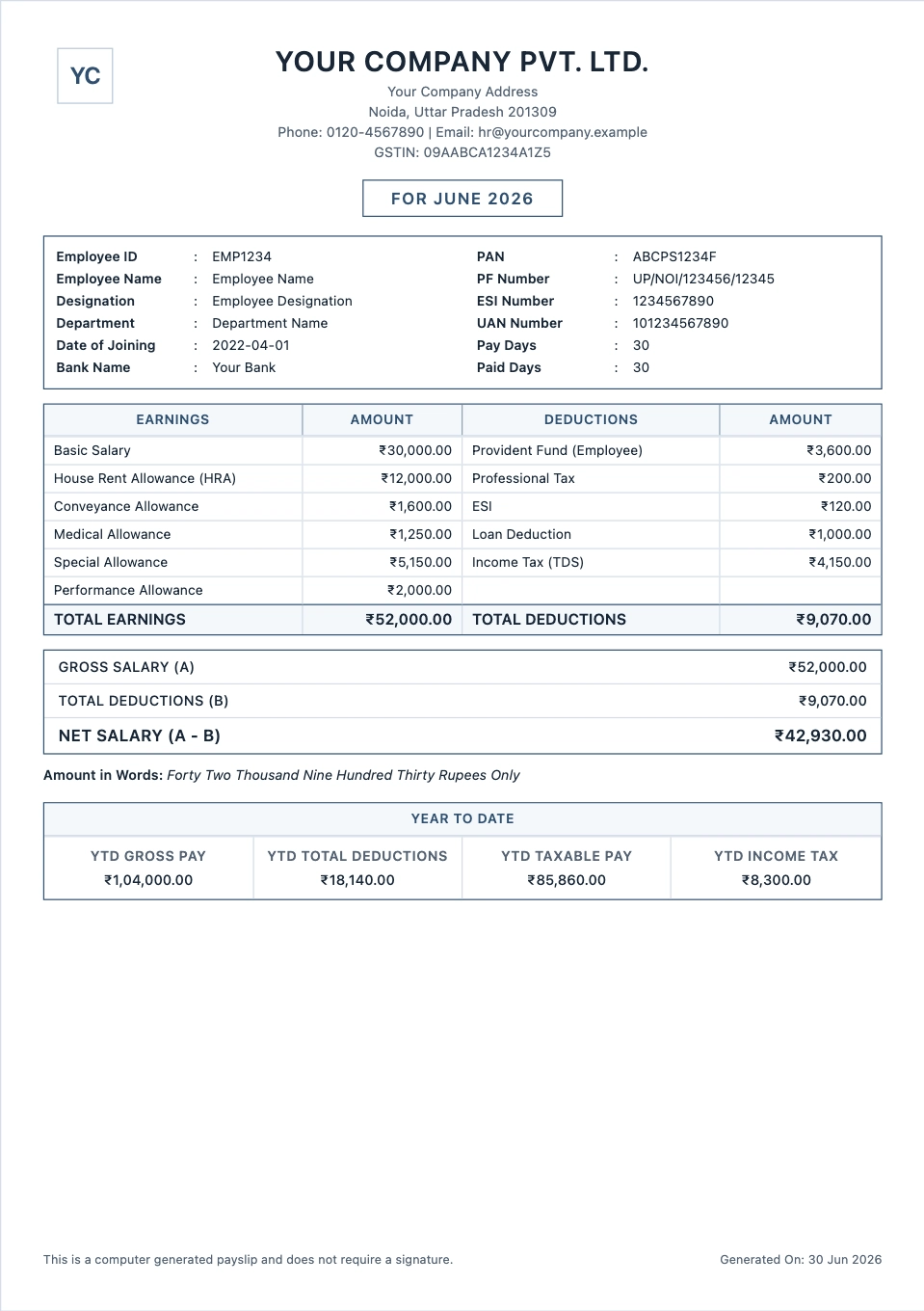
Monthly salary slips with earnings, deductions, and take-home pay.
Preview formatYes. You can open a generator, add your details, and check the preview before buying credits for the PDF.
Choose the bill type, add your business and customer details, enter the items and amounts, then check the preview before downloading the PDF.
Yes. Many formats let you add a logo so the bill looks like it came from your business.
Yes. Once the preview looks right, you can download a PDF for email, print, or your records.
Salary slips should come from the employer, and payment receipts should come from the person or business that received the money. For rent or expense records, use details from a real payment, trip, stay, treatment, purchase, or service.
Yes. You can add tax labels, discounts, notes, due dates, and payment terms. Check the final bill against the rules for your country or business type before sending it.